Remote architect: what the job involves and how to get into it
A remote architect does the work of a licensed architect (briefing, design, permit drawings, coordination) from a home office, through a shared model and video calls. The design and documentation side moves online easily. The license, the stamp and the decisions made on site still follow the same rules as in any practice.
- Topic
- Working remotely
- Updated
- Reading time
- 13 min
- Studio
- Morales Arch & Design
In this article
- What a remote architect does
- Remote architect jobs and who they suit
- Licensing and legal limits for remote architects
- Skills and software a remote architect needs
- Home office and remote workflow
- How to find remote architect work and clients
- Business setup, contracts and pricing
- Remote architect salary and career outlook
- Limits and challenges of remote practice
- Remote architect FAQ
What a remote architect does
The duties match those of an architect in a downtown studio. You take the client's brief, develop concept and schematic design, produce construction documents ready for permit, and coordinate consultants, including clash checks between their models and yours. Advice during construction can be part of the service too, given by call and by reviewing what the site team sends.
What separates an architect from a designer or technologist is responsibility. The architect is legally answerable for the work and issues documents a building department will accept. Working from a spare bedroom changes none of that.
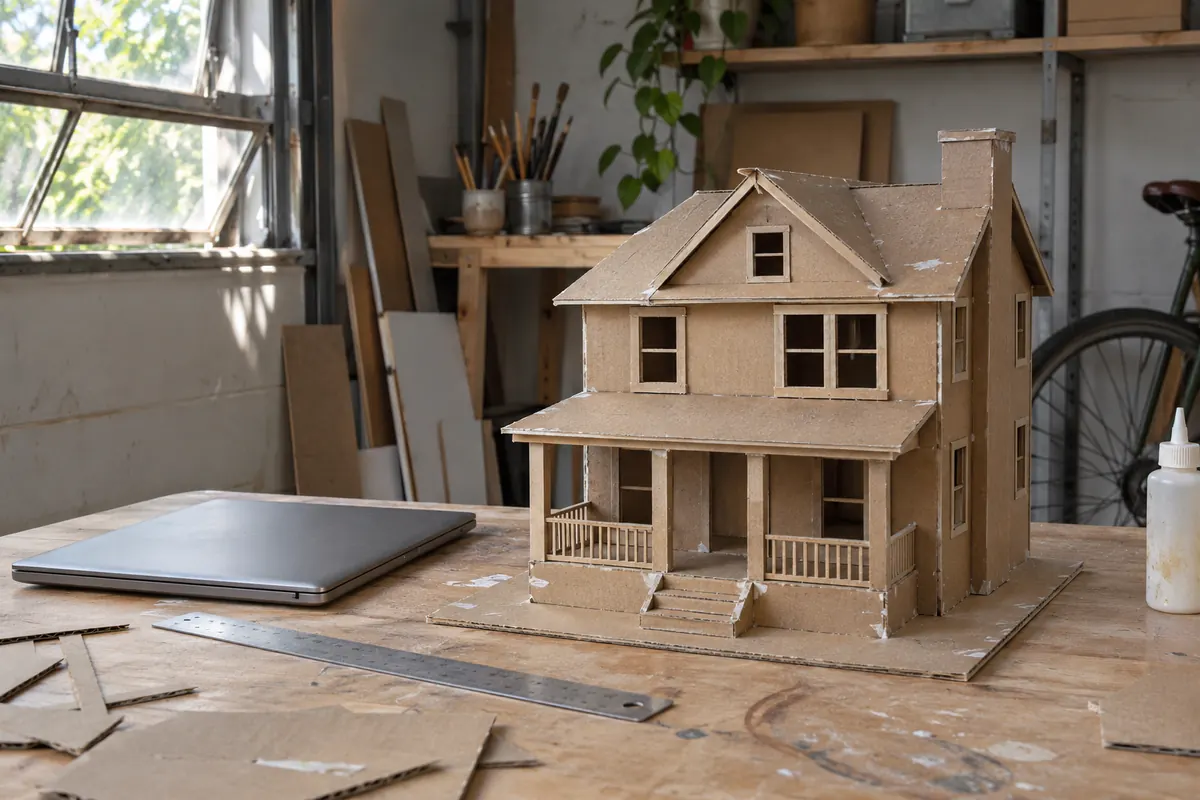
The scope of a remote practice can be wider than house plans. Digital drafting and BIM cover architectural sets along with electrical, mechanical, structural and civil drawings, and some remote professionals sell overflow design support to larger practices that are short of hands before a deadline.
Before 2020 remote work was a small niche in the US. In 2018 about 3.6% of the workforce worked from home at least half the time, a figure up 15% on 2005. Demand ran well ahead of that: in the same data, 35% of employees said they would change jobs for a full-time remote position. Among millennials it was 47%, among boomers 31%.
Remote architect jobs and who they suit
There are four common ways to work remotely, and the differences in liability and income matter more than the place you sit.
| Arrangement | What you do | Who it suits |
|---|---|---|
| Employee of a fully remote firm | Whole project stages inside the firm's model and standards | People who want a salary, a team and no commute |
| Employee of a hybrid firm | Same work; only part of the staff is remote | Those who live near the office or are needed on site at times |
| Contractor or overflow support | Drafting, documentation and modeling for other practices | Fast, self-directed production people |
| Independent practice | Own clients, own contracts, own stamp where licensed | Experienced architects who also like running a business |
Fully remote or hybrid
A firm without an office carries lower overhead and can spread its team across the globe. It pays for that with extra effort to keep people connected. A hybrid firm lets some staff work from home and keeps the rest together. Which one works depends on the needs of the practice, so ask at interview how many of the team are remote today.
Why firms and staff choose it
Staff gain control of their schedule, lose the commute and get exposure to projects and standards abroad. Firms get a larger pool of candidates. Remote workers have been reported as more productive than colleagues in the office, and practices that already had some remote staff coped better when emergency stay-at-home orders arrived.
Joining a firm remotely
Expect the interview to cover your remote experience in detail. Get the status in plain words: full-time, part-time or contractor. A decent employer also trains you on its tools, since people take to new software at different speeds, and a remote hire cannot lean over to the next desk for help.
In the US, contractor status is a legal question as well as a pay question. State rules differ, and California has made it much harder to qualify as an independent contractor. Check the rule in your state before you agree to invoice a single firm month after month.
Licensing and legal limits for remote architects
You need a license to call yourself an architect and to stamp permit drawings. In the US the license comes from a state board, and NCARB sets the path to it. Distance gives no exemption.
Without a license you can still work remotely on drafting, design assistance, visualization and consulting. You cannot take responsibility for stamped documents. Two habits keep unlicensed people on the right side of the rules: they partner with a licensed architect of record who reviews and stamps the set, and they use a title such as architectural designer until the license arrives.
How long the path takes
- A career changer should plan on 5 to 8 years to licensure.
- Someone with a professional M.Arch often needs 2 to 4 years to reach roles on the licensed track.
- Employers tend to filter on registration, portfolio and roughly three to seven years of supervised experience before they see you as ready for independent practice.
Alternative routes exist: a non-accredited degree with a longer internship, an apprenticeship, or a conversion M.Arch. They count only where the board accepts them, so ask the board before paying for a course.
If a project needs a permit, settle in writing who the architect of record is before drawing starts. A remote designer with no license cannot fix that gap later.
Skills and software a remote architect needs
AutoCAD, Revit and SketchUp are the daily tools for remote production work. Around them sits the cloud layer: BIM 360 for the model, Google Drive for files, Trello for tasks. Teams that share a live model use Autodesk BIM 360 or, on the Archicad side, Graphisoft BIMcloud.
Know exactly which formats you can handle. Some practices need native Revit; others run on AutoCAD files only. Look at what your target clients use and train up to it. If you are still choosing a package, a guide to picking an online drafting tool is a reasonable starting point.
Soft skills carry more weight than they do in an office. Written communication comes first, because most of your decisions will reach colleagues as text. Time management and self-organization follow. Nobody notices a remote drafter who is stuck until the deadline slips.
What grows with seniority
- Mid-career: code depth, contract administration with AIA forms, consultant coordination.
- Senior: fee structuring, risk management and winning clients.
- Extra credentials: LEED, WELL and Passive House add value. BIM automation and climate-resilient design are becoming expected.
Software amplifies an architect's judgment. It does not stand in for building science or fluency with the code.
Home office and remote workflow
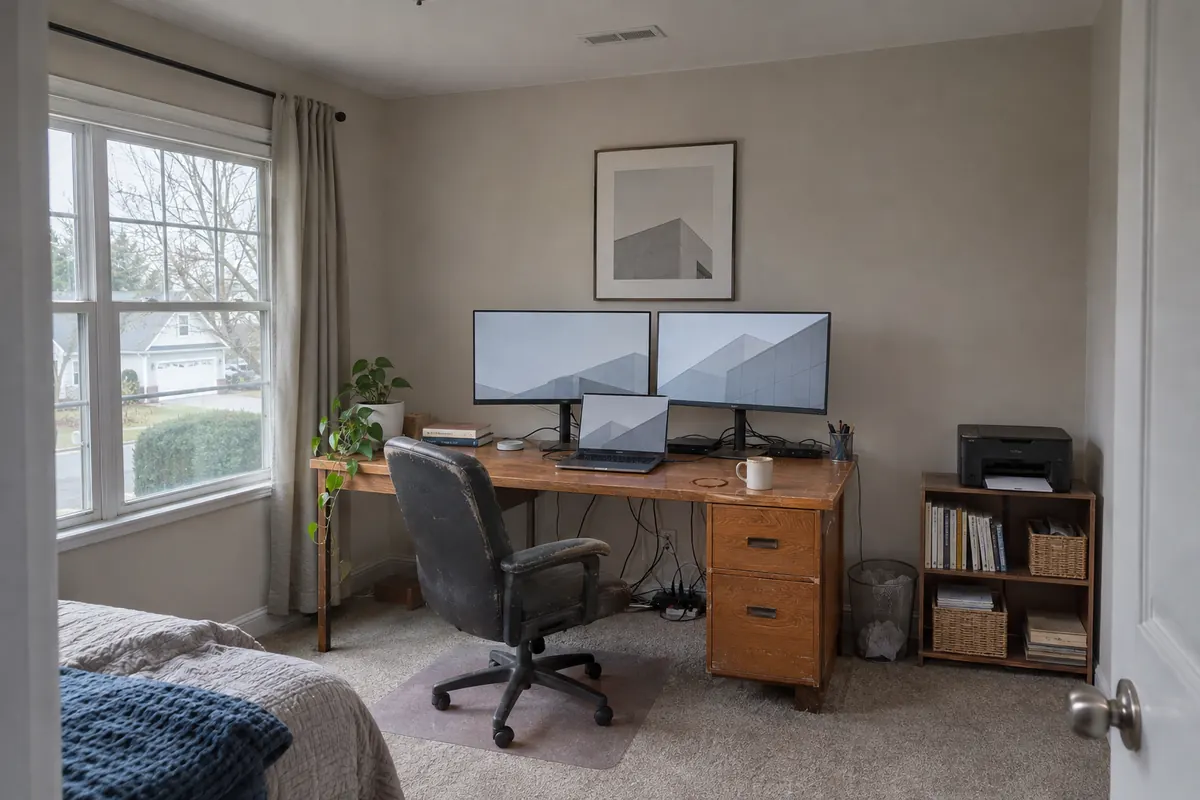
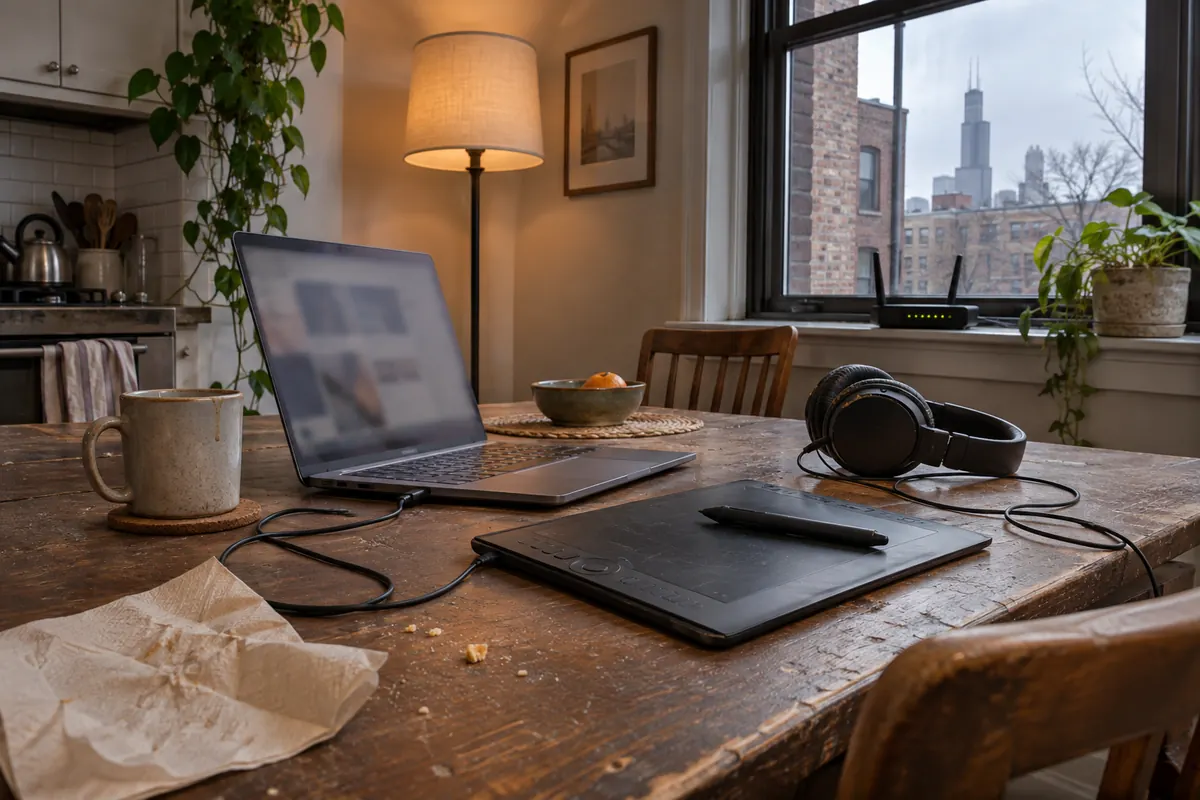
The basic kit is a capable laptop, one or two monitors, keyboard and mouse, a real desk, a good chair, a printer and fast internet. The laptop needs enough CPU and GPU for design work and a screen you can live with when you are away from the monitors. A Chromebook is enough if the heavy software runs on a virtual machine in the cloud.
Firms often pay a phone and internet stipend and a home-office budget. Ask for both before you buy anything.
Getting at the files
The usual IT headache is the office server. It holds the files and manages the licenses, and reaching it from home is slow once heavy CAD is involved. There are several ways round it.
| Method | How it works | When it fits |
|---|---|---|
| Cloud storage on a business plan | Dropbox or Google Drive replaces the file server | Teams working mostly in drawings and documents |
| Shared BIM model | BIM 360 or BIMcloud keeps one model for everyone | Several people on the same building |
| Remote desktop | An app such as Splashtop mirrors the office computer at home | Firms that keep powerful machines in the office |
| Virtual machine | A service such as Paperspace runs Autodesk software in the cloud | Staff with low-spec laptops |
| Local licenses | Software installed at home, preferably on subscription | Small firms with no plans to grow |
Staying in touch
A typical stack is Slack or Teams for chat, Zoom for video and Bluebeam for live markup sessions on the drawings. Cloud firm-management software tracks time, projects and budgets, so a principal can see where a job stands without asking. For early design, Morpholio and SketchUp let you sketch remotely and share the result with a client. Clients new to this may find it helps to see how virtual interior design handles briefs and revisions on a smaller scale.
How to find remote architect work and clients
First jobs usually come through people who already know you. Work the existing network, then build new relationships with architects, builders, contractors and designers. LinkedIn helps when you put steady effort into it, and a burst of posts once a year does little.
Before any of this, decide on your specialty, the services you sell and whether you aim locally or nationally. Staying local makes site visits and milestone meetings easier. A narrow niche is simpler to sell than general design: sustainable home extensions, for example, or planning drawings for small developers.
Platforms
- Upwork: you bid, get paid by milestone, and reviews lift your ranking.
- Fiverr and Cad Crowd: further places to pick up remote drafting jobs.
- Toptal: selective, advertised as taking the top 3% of talent.
- GoPillar: design competitions run as contests.
- Mediabistro: another board where remote drafting work turns up.
A portfolio for remote roles
Open with two or three projects that look like the work you want next. A digital deck and a clean website are enough. Remote employers also want evidence that you can work at a distance, so show the process:
- Bluebeam markups, Zoom coordination, and work in BIM 360 or Autodesk Docs.
- Technical samples next to the renders: a layered DWG, an annotated construction set, Revit screenshots.
- Your file structure and naming, plus familiarity with a common data environment (CDE).
- Time-zone availability and usual response time.
- Short testimonials from people you have collaborated with.
For public presence, a blog with project updates and an Instagram account with finished work and process images cover most needs.
Business setup, contracts and pricing
Register the business, keep its accounts apart from your own money, and have professional indemnity insurance in place before the first paid job. A firm or company files paperwork with state or local authorities, which gives it a business license and lets you hire staff.
The contract should state scope, fees, milestones and the number of revisions included. In the US, AIA publishes contract templates and practice guidance that solo architects can use. The wider business side is covered in the guide to working as a freelance architect.
Where remote fees leak
Underpricing is the most common mistake, and it rarely comes from the drawing hours. Revisions, site visits and admin go unbilled. Cap the rounds of revisions, price extra rounds in advance, and list travel to site as its own line. It is useful to see how much an architect costs from the client's side before you set a fee.
Designers on freelance platforms list rates from 45 to 200 USD an hour. Build your own rate from your costs and billable hours rather than from those listings.
Remote architect salary and career outlook
Remote architects have no separate salary statistics, so the US figures below cover architects of every kind, whatever their place of work.
| US measure (2025, based on federal labor statistics) | Figure |
|---|---|
| Median architect salary | About 84,000 USD a year |
| Usual range | 55,000 to over 120,000 USD |
| Openings, 2022 to 2032 | About 8,000 a year |
| Growth outlook | Slower than average |
Slow growth means the license and the portfolio decide who gets the interview. Employers hiring at a distance have more candidates to choose from, which makes proof of remote work habits worth preparing early. Independent income is harder to generalize, since it depends on niche, unbilled time and the flow of clients.
Limits and challenges of remote practice
Construction is where remote practice meets its limit. Guidance during the build can be given from a distance, and many freelance architects sell exactly that. Yet some decisions have to be made on site, with the actual conditions in front of you. Most remote architects therefore need a local contact who can visit the job and report back.
The other problems are organizational:
- Connection. A dispersed team drifts apart unless someone works at keeping it together.
- Time zones. A global team widens the talent pool and narrows the hours for live coordination. State your availability and response time up front.
- Technology. Slow server access and license juggling waste production hours until files move to the cloud.
- Training. New tools need real instruction, at a pace that suits the slower adopters.
Choose projects accordingly. Documentation, modeling, visualization and early design travel well. A job full of site decisions, far from anyone you trust, is a poor candidate for a fully remote service.
Remote architect FAQ
Do you need a license to work as a remote architect?
To use the title and stamp permit drawings, yes. In the US the license is issued by a state board. Without one you can draft, assist with design, visualize and consult, usually alongside a licensed architect of record.
Can an architect work from home?
Yes. Design, documentation, client meetings and consultant coordination can all be done from a home office with shared models, video calls and online markup. Decisions on site still call for a visit or a trusted local contact.
Can architectural drafting be done remotely?
Yes, and it is one of the easier parts to move online. You need AutoCAD, Revit or SketchUp, cloud file sharing, fast internet and a machine that can handle the models.
How do you find remote architect jobs?
Start with people who know your work, then add LinkedIn and platforms such as Upwork or Toptal for contract work. Send a portfolio that shows technical drawings and how you coordinate at a distance.
What software does a remote architect need?
AutoCAD, Revit or SketchUp for production, BIM 360 or BIMcloud for the shared model, Bluebeam for markup, Slack or Teams for chat and Zoom for calls. Match the list to what your firm or clients already use.
Do you need a powerful computer at home?
If the software runs locally, yes: enough CPU and GPU for design work. With a virtual machine in the cloud or a remote desktop link to an office computer, a modest laptop will do.
Can a US firm hire a remote architect as a contractor?
It depends on the state. The tests for independent contractors differ, and California's are much stricter than they used to be. Agree the status before work begins.
 Architectural designer: what they do and how they differ from an architect
 Online Drafting Tool Guide: Browser CAD, Free Options and Prices
 Virtual Interior Design: Online Services, Costs and Room Planners